User-specific project languages
As in the project settings, each user can select an editing language and several display languages on the database level (in the Options under Language Settings). These settings are valid individually for a user and can be switched on or off via the checkbox Activate User-Specific Project Languages. After confirmation of the dialog they are immediately visible in the project data, especially in the documents, and are again active after an Engineering Base restart.
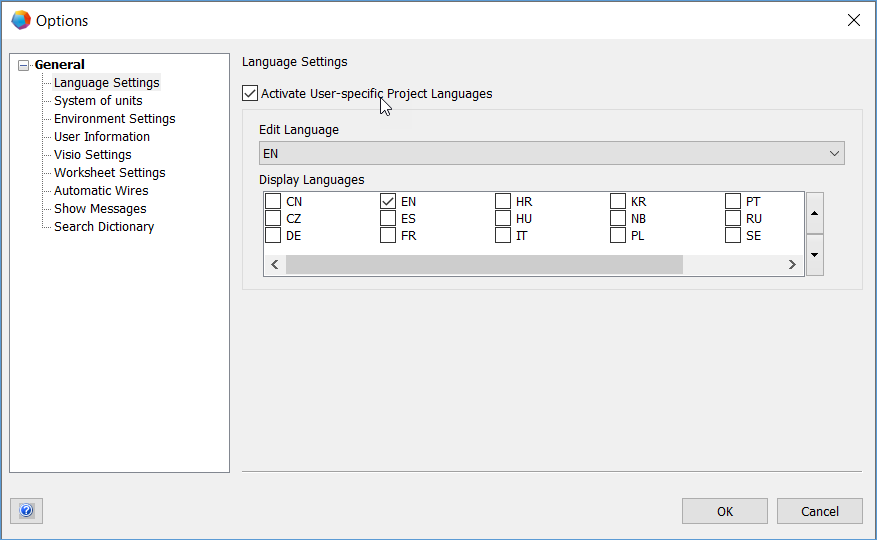
If you activate user-specific project languages, then the language settings made in the projects are ignored, and the project data is shown with these user-specific settings. If users wants to output the documentation in a special language, they must only change their own display language. The project language settings remain unchanged, especially for other users.
If a dictionary specified in a database or a project does not contain the selected language, then the text reference #Reference[…]! is shown instead of the text.