Opening and closing a worksheet
To open a worksheet
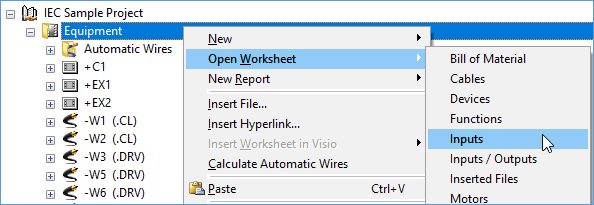
- Select the object in the navigation pane or select a shape or a multi selection of shapes on a sheet in Visio.
- On the shortcut menu, click Open Worksheet, then select the required template.
- The respective worksheet is opened with the selected template and a workbook is created for the related data.
To always keep a workbook in the foreground
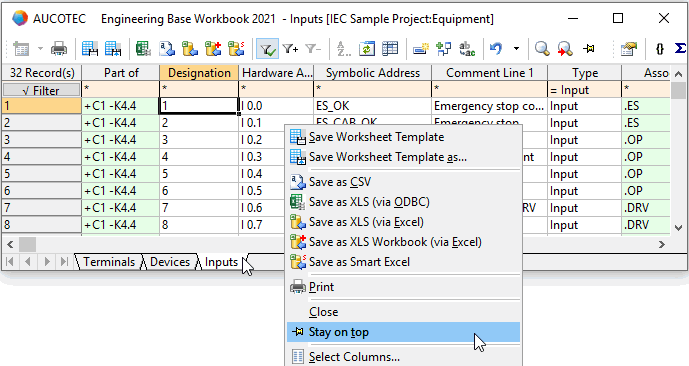
- Select a workbook and click Stay on top on the shortcut menu.
- The workbook will remain in the foreground.
To close a worksheet
- Select the workbook and click Close on the shortcut menu.
- This closes the worksheet.
The standard worksheets do not show sub-devices, sub-units or sub-functions. To show these objects, please use the extended worksheets.