Drag and drop
Using drag and drop, you can carry out frequent tasks quickly and intuitively.
Drag and drop operations are available between the Explorer, lists, and diagrams.
To drag and drop
- Select the object that you want to drag and drop.
- Press and hold the left mouse button while you drag the object to its destination, then release the mouse button.
- The object is placed at its destination.
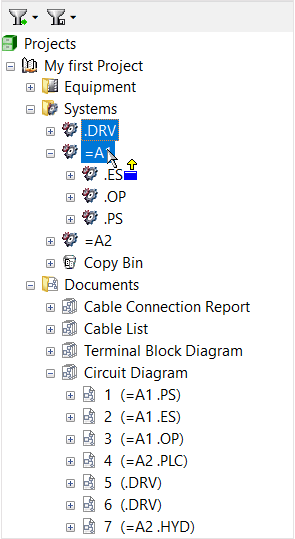
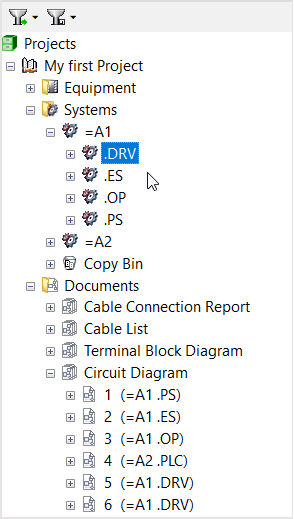
Pressing CTRL while dragging the object will, in most cases, create a copy of the object. You can also use the right mouse button for drag and drop operations. This will open a menu once the mouse button is released.