Changing the number of start objects on a worksheet
Independent of the method chosen to collect the child object of the selected the start objects, the number of start objects can be changed at any time.
To change the number of start objects
- Click on the toolbar of the worksheet.
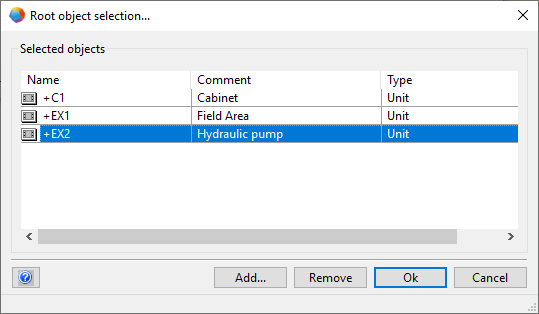
- Click Add... in the displayed dialog to open the Select objects dialog to select additional start objects.
- Select the start objects you want to remove, and click Remove to reduce the number of start objects. All but the last start object can be removed.
- Click OK to close the dialog and to save the changes.