Editing object information
You can edit object information in the navigation pane.
To edit object information
- Select an object and click Open on the shortcut menu.
- This opens the dialog for editing information about the object.
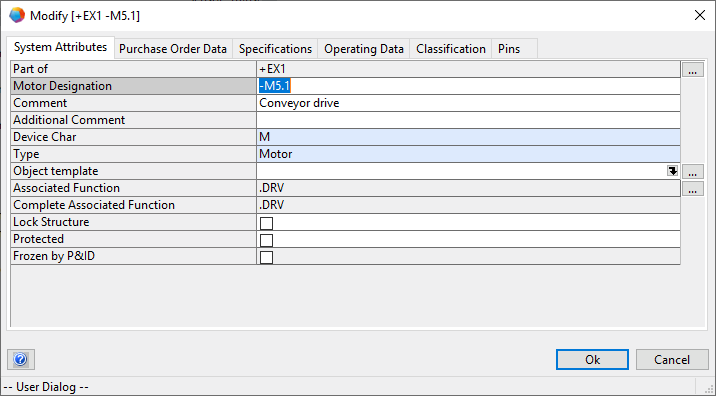
You can also use the F2 key on your keyboard to open the Modify dialog.