3.1 Verify the certificate
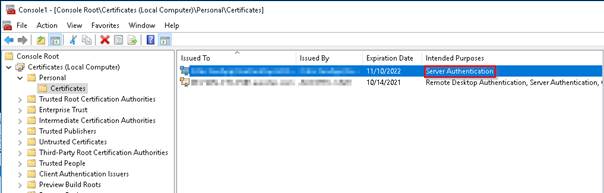
On the server on which you wish to run the WCS, open the Microsoft Management Console (MMC) and check whether a valid computer certificate is available under Certificates (Local Computer) è Personal Certificates for the server authentication:
If there is no valid or suitable certificate available, create an individually signed certificate or request one from your company's certification body. If required, contact your administrator.
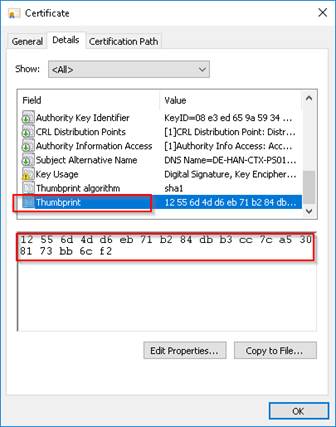
Open the certificate, copy the thumbprint located on the “Details” tab and insert it into a text document. The thumbprint is required for step 3.3. Where required, remove all existing blanks: